

In today’s fast-paced research landscape, staying ahead requires embracing digital tools that streamline your workflow and boost productivity. Whether you're a seasoned academic or just beginning your research journey, the right resources can save you valuable time, foster seamless collaboration, and ultimately lead to more impactful results. Let's explore ten indispensable digital tools for every researcher, and see how ResearchBunny takes your research experience even further.
1. ResearchBunny
ResearchBunny is a free, next-generation platform designed to simplify research, enhance collaboration, and support researchers at every stage. Imagine managing references, discovering relevant papers, and collaborating with your team, all within a single, intuitive environment. Research Bunny makes it a reality.

What sets ResearchBunny apart?
- Multilingual support connecting a global research community
- AI-powered recommendations for relevant papers and insights
- Integrated research calendar and collaboration features
- Real-time updates on research progress and deadlines
- Mobile-first functionality across Android and iOS including web
The Research Bunny Advantage: Unlike standalone tools, ResearchBunny unifies discovery, project management, and collaboration. Manage citations, and monitor team progress effortlessly, all within one organised and productive space.
2. Zotero
Zotero is an open-source tool that simplifies the collection, organization, and citation of your sources. Its seamless integration with your browser and word processor makes saving references and generating citations in various formats incredibly easy.
Why Zotero is popular:
- Effortless one-click saving from your browser
- Automatic citation generation for diverse source types
- Cloud storage for accessing your library from anywhere
The ResearchBunny Advantage: While Zotero excels at reference management, ResearchBunny expands on this with built-in multilingual support and a comprehensive research dashboard that integrates your references with your research calendar and daily insights.
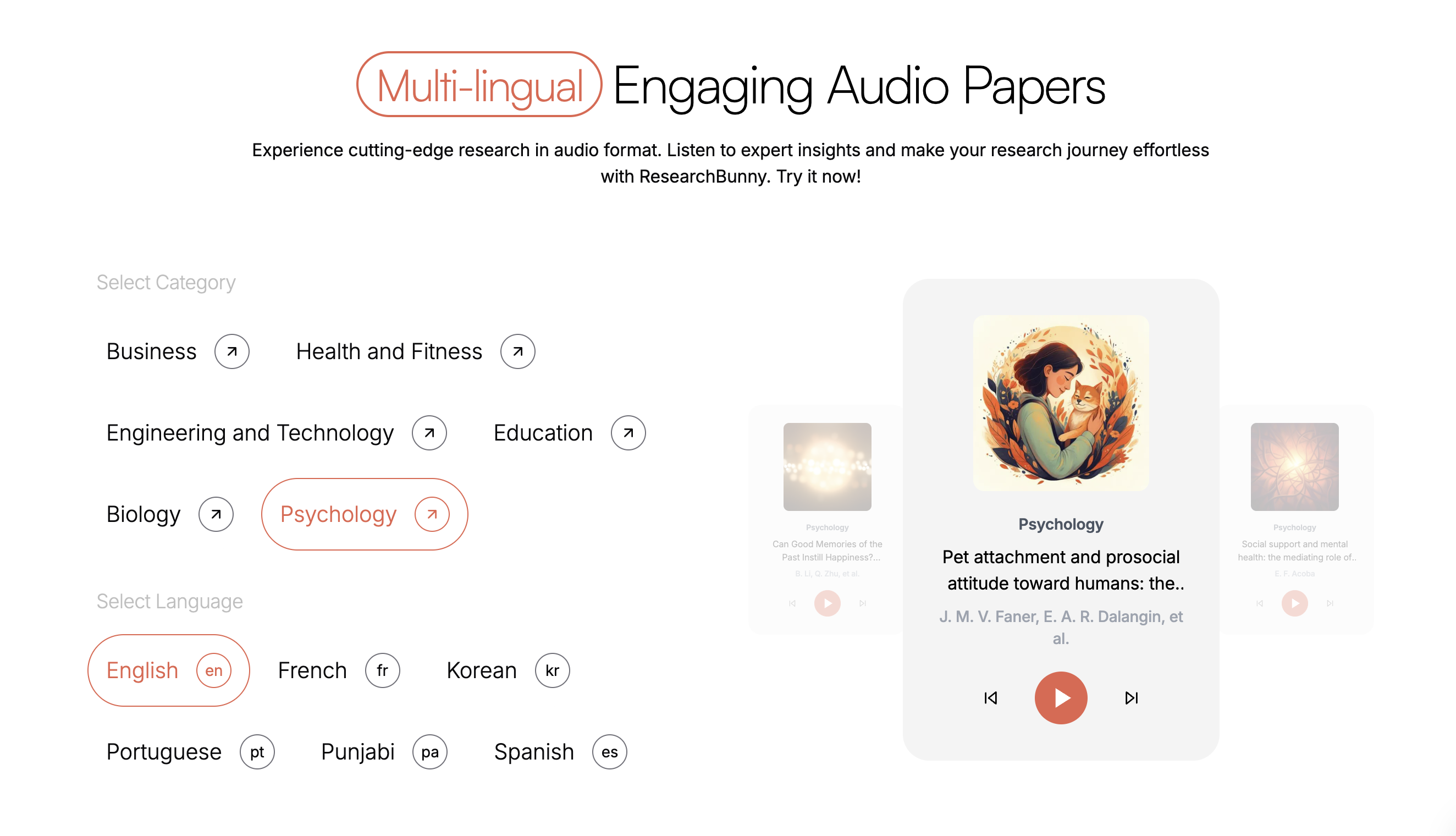
https://www.researchbunny.com/for-listeners
3. Mendeley
Mendeley offers a robust platform for managing and sharing research papers. Beyond reference management, it serves as a social network for researchers, enabling you to share findings and collaborate with peers.

Key benefits of Mendeley:
- Cloud-based reference library management
- Annotation and collaboration features for papers
- Social networking features to connect with other researchers
The Research Bunny Advantage: Research Bunny fosters community directly within the app, providing tailored recommendations and more intelligent discovery features to connect you with relevant research.
4. Google Scholar
Google Scholar is a widely used search engine specifically for academic papers. It indexes a vast collection of scholarly articles, theses, books, and patents, making it a go-to resource for quickly finding relevant research.

Why researchers rely on Google Scholar:
- Free access to an extensive library of academic materials
- Citation tracking and author profiles
- Simple and user-friendly interface
5. EndNote
EndNote is a well-established reference management tool known for its advanced features in organizing references, creating bibliographies, and facilitating collaboration.
What EndNote offers:
- Advanced citation management capabilities
- Seamless integration with popular word processors
- Collaboration features for team-based projects
The Research Bunny Advantage: Research Bunny streamlines your workflow with mobile-first accessibility and AI-generated summaries, helping you grasp information more quickly and collaborate more effectively on the go.
6. Trello
Trello provides a simple and visual project management system ideal for keeping your research projects on track. Organize tasks, set deadlines, and collaborate with your research team using intuitive boards.

Why Trello is great for project management:
- Intuitive drag-and-drop interface
- Customizable task lists and deadline setting
- Real-time collaboration features
7. Scrivener
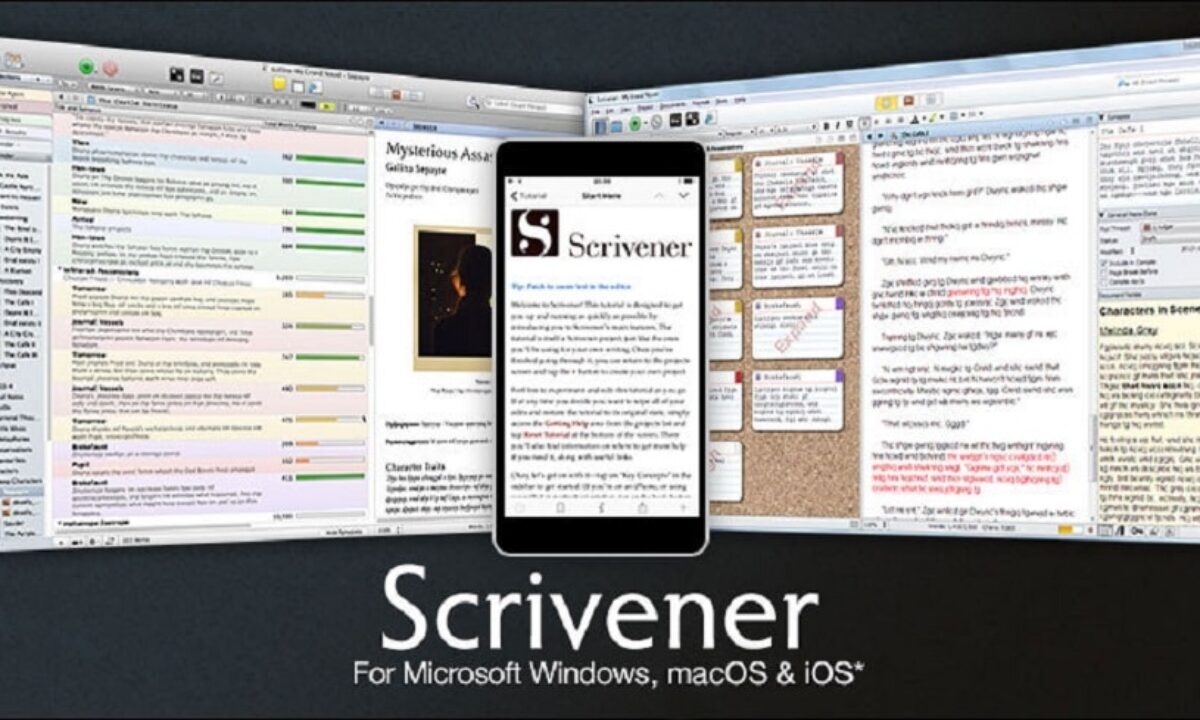
Scrivener is a powerful writing tool designed for organizing long-form documents like research papers, theses, and dissertations. It helps you structure your work into manageable sections, track your progress, and maintain organization throughout the writing process.
Why writers choose Scrivener:
- Flexible organization of documents into folders and sub-sections
- Distraction-free writing environment
- Versatile formatting options
8. Tawk.to
Tawk.to is a user-friendly real-time messaging tool that enables instant communication and collaboration with your research team or for seeking immediate feedback from peers.

Key features of Tawk.to:
- Easy-to-use chat interface
- Real-time collaboration with team members
- Free version with unlimited chat history
9. iThenticate
iThenticate is a robust plagiarism detection tool that compares your work against an extensive database of academic publications. It's a crucial tool for both publishers and researchers to ensure the originality of their work.

Why iThenticate is essential:
- Comprehensive plagiarism checks against a vast database
- Support for a wide range of file types
- Trusted by academic publishers for plagiarism detection
The ResearchBunny Advantage: ResearchBunny goes beyond basic plagiarism checks by providing AI-based alerts alongside writing feedback, intelligent summaries, and integrated citations, offering a holistic approach to academic integrity.
10. Evernote
Evernote is a popular note-taking application that allows you to capture ideas, save research articles, and organize notes across all your devices. It's a convenient tool for quick note-taking and brainstorming.
Why Evernote is a favorite for note-taking:
- Cloud-based synchronization across multiple devices
- Organization of research within digital notebooks
- Ability to add images, audio recordings, and web clippings